The gates around the build
Each gate judges one thing. Work moves on only with SHIP IT.
flowchart TD
  subgraph c1["C.1 Build-out, one area per pass"]
    direction LR
    mg["Model gate<br/>asset-reviewer"]:::model --> pl["Import and place<br/>measured checks"] --> pg["Placement gate<br/>dressing-reviewer"]:::placement
  end
  subgraph c2["C.2 Interactions and playability"]
    direction LR
    ia["Interactions<br/>world-builder"] --> pg2["Placement gate<br/>the placed objects"]:::placement --> rg["Runtime gate<br/>playtest-reviewer"]:::runtime
  end
  subgraph dd["D: Finish"]
    direction LR
    m1["Surface gate<br/>M1"]:::surface --> bake["Bake +<br/>reflection probes"] --> m2["Surface gate<br/>M2"]:::surface --> fg["Final gate<br/>final-reviewer"]:::final --> perf["Performance +<br/>regression check"]:::final --> ug["Runtime gate<br/>upload gate"]:::runtime
  end
  c1 --> c2 --> dd --> you(["Your Build and Test list, then you upload"]):::user
  classDef model stroke:#0b8a82,stroke-width:2px
  classDef placement stroke:#d9730d,stroke-width:2px
  classDef runtime stroke:#7a4fd6,stroke-width:2px
  classDef surface stroke:#d02d7c,stroke-width:2px
  classDef final stroke:#1f6feb,stroke-width:2px
  classDef user stroke:#1a7f37,stroke-width:2px
The model gate is on the Assets page. The final gate is on the Lighting and performance page. This page covers the measured checks and the placement, runtime and surface gates.
Seven measured checks: PropGate
The builder runs them. Reviewers rerun them. Each picture is a real defect.
PropGate is one run of seven checks in the kit's Unity tools package. It measures what was placed and writes a table per check.
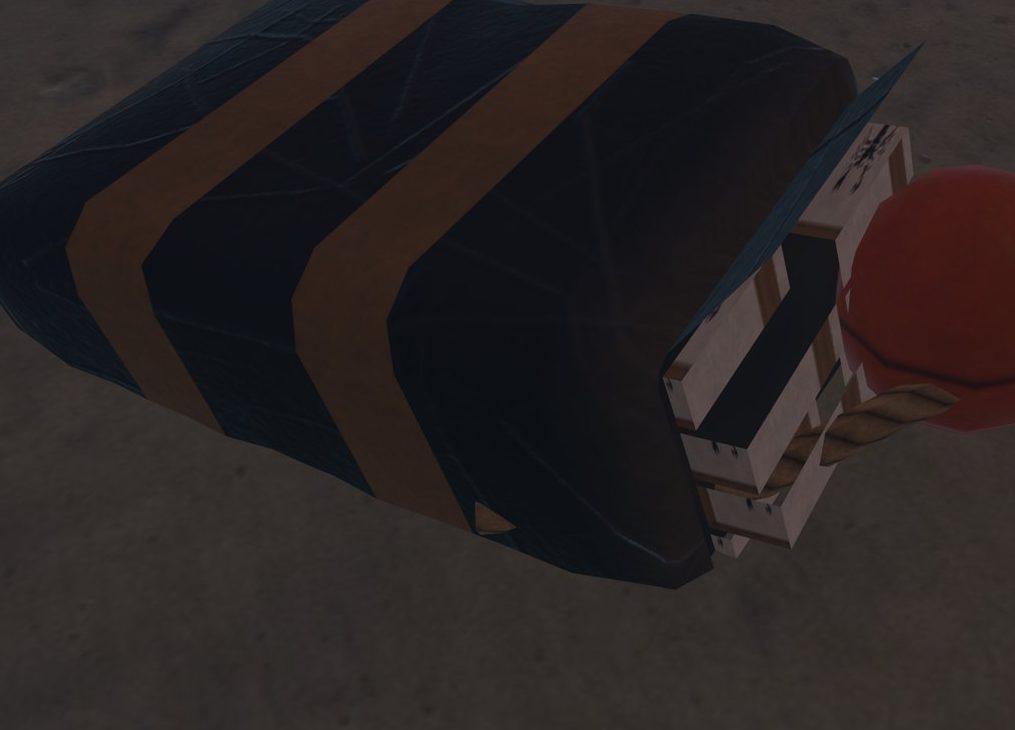
Open, inside-out or flipped mesh.
Here: holes in a bale.
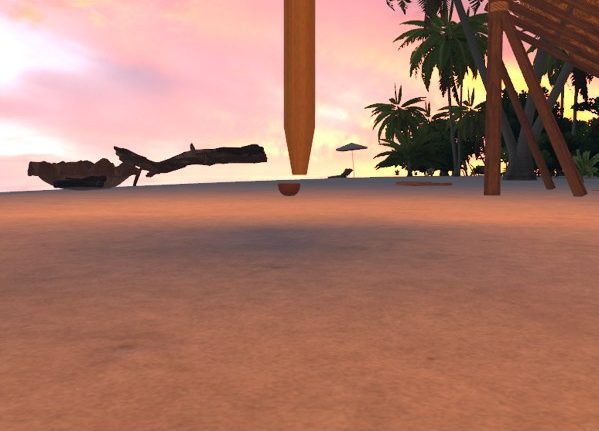
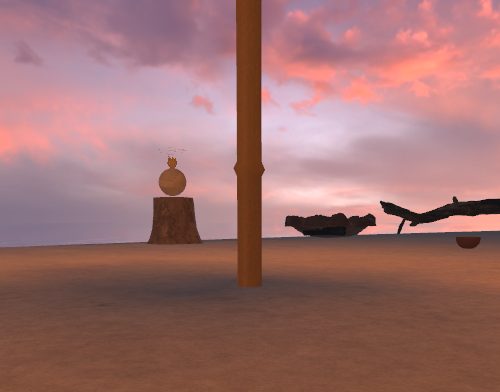
Floating, sunk, nothing below.
Here: a torch stake in the air.
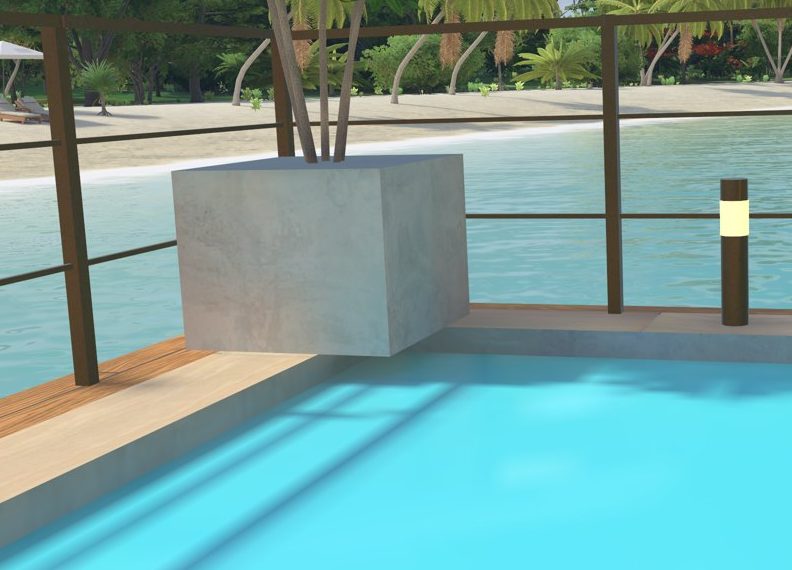
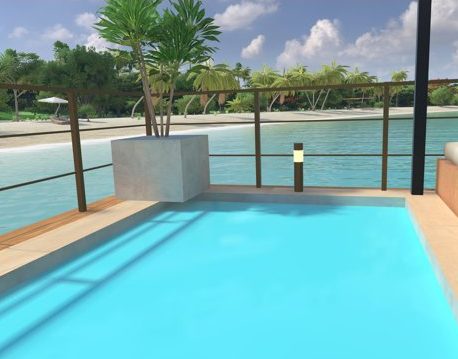
Hangs past its support.
Here: a planter over the pool.
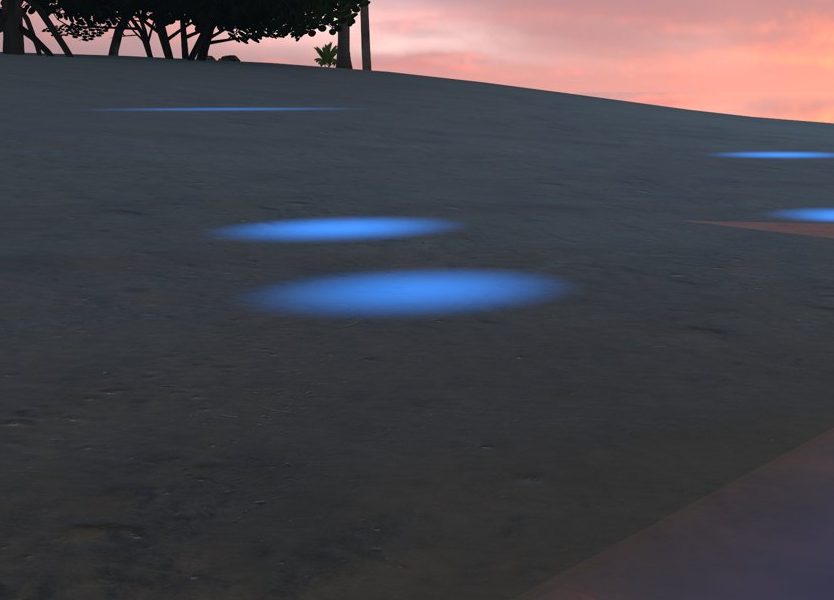
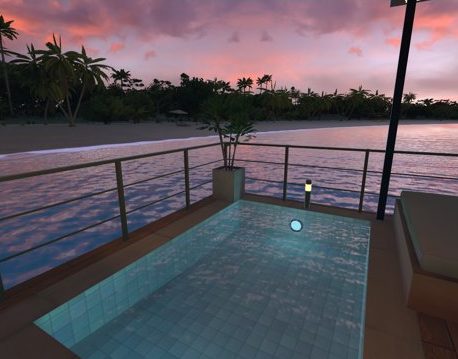
Square particles, effects outside their volume.
Here: water glow on dry sand.
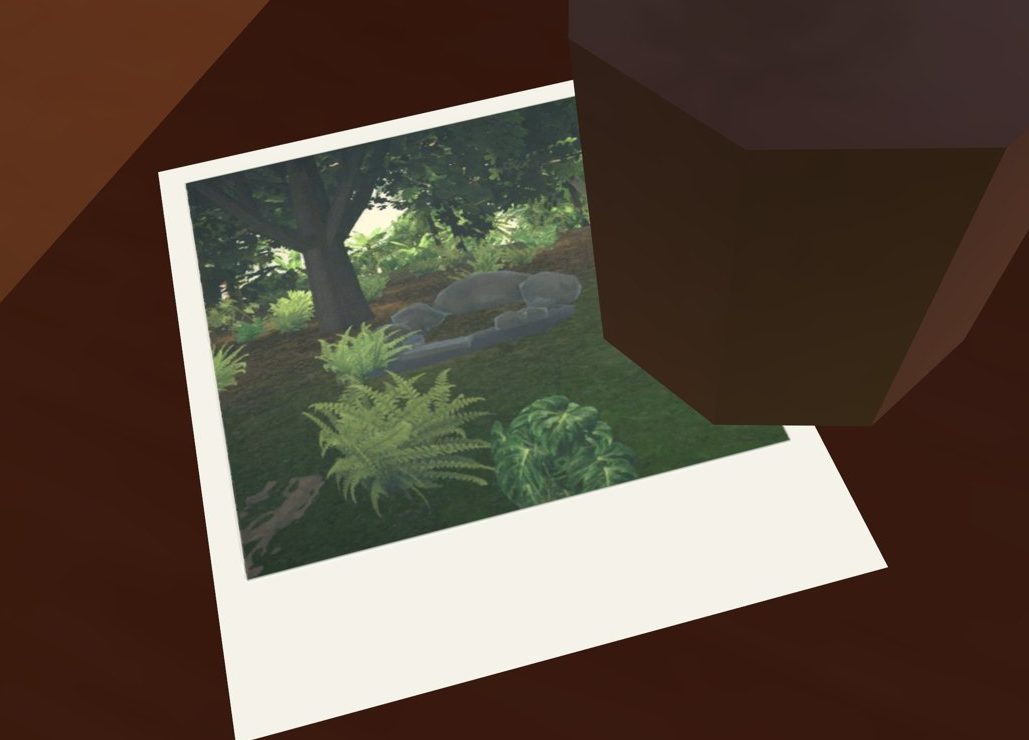
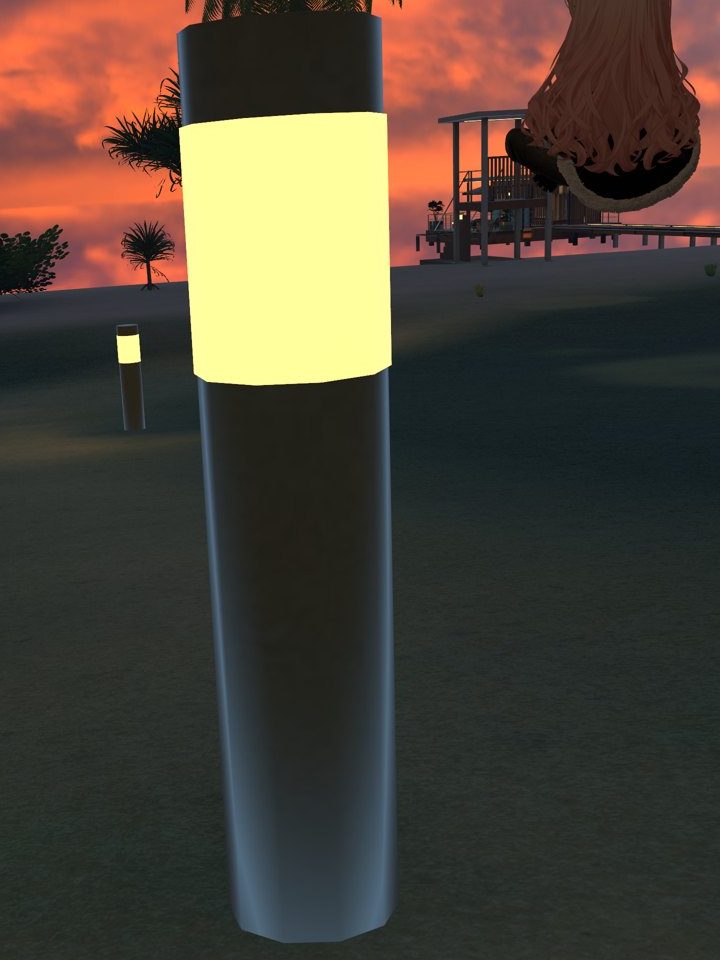
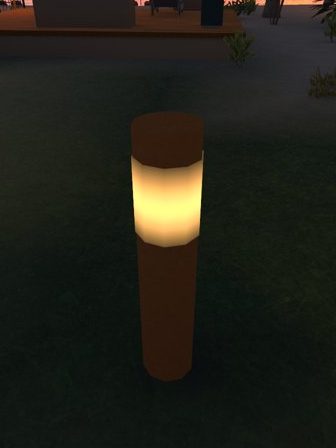
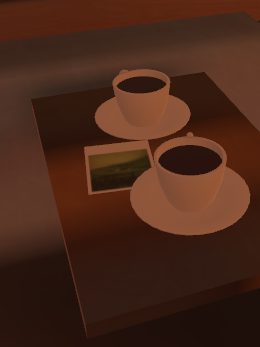
Unlit or glowing things that are not lamps.
Here: a photo that glows.
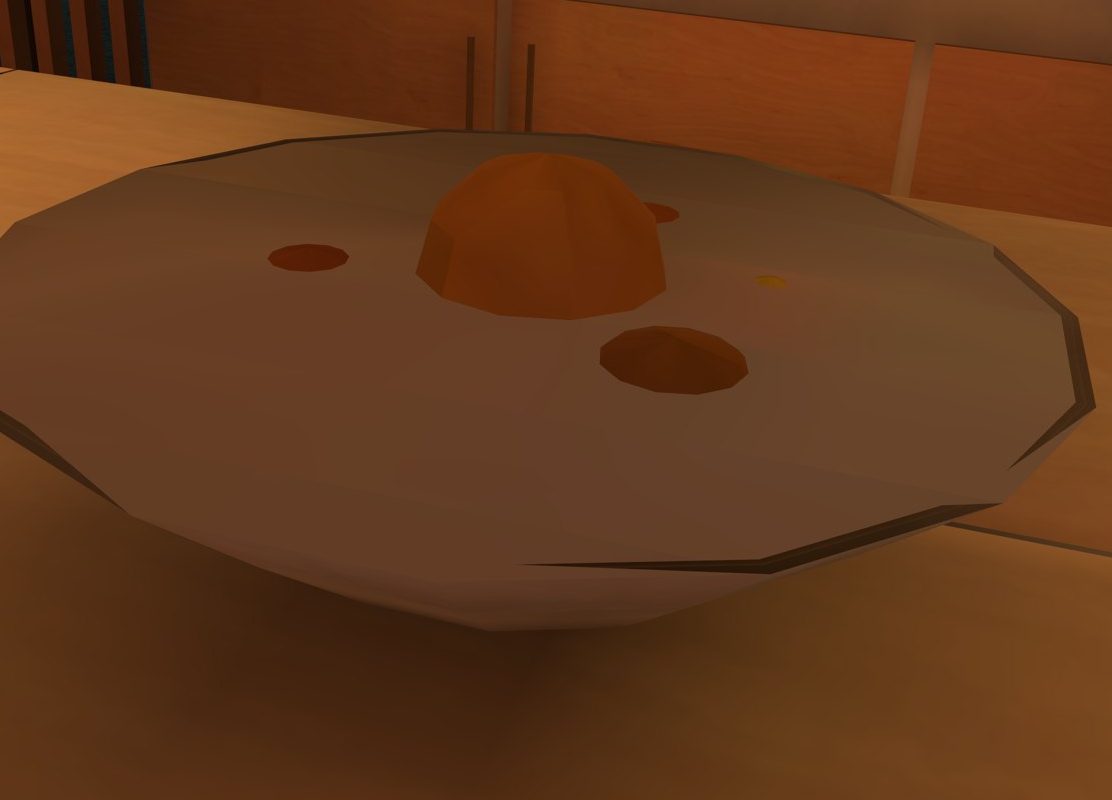
Meshes with no model file.
Here: a bowl built by a script.
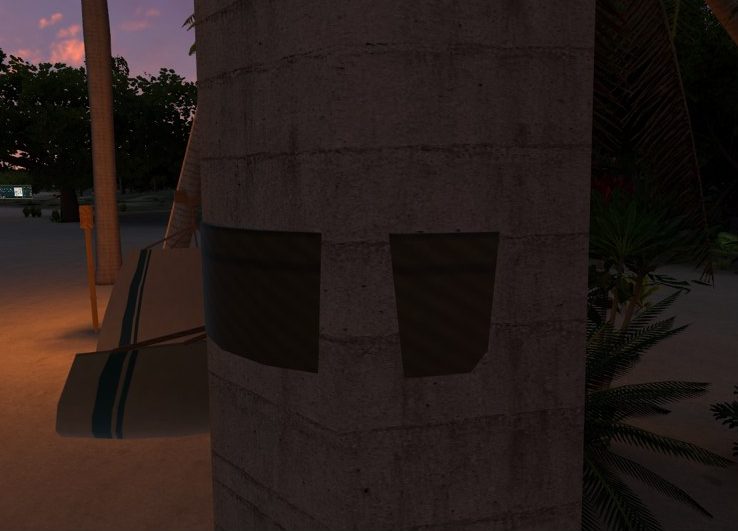
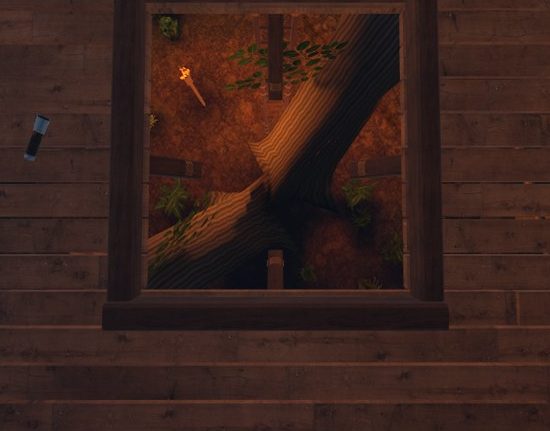
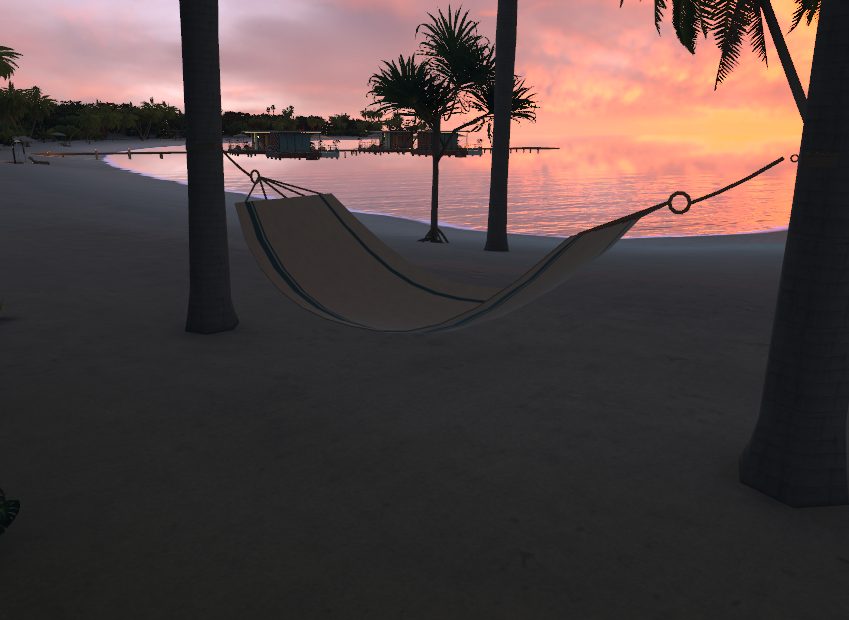
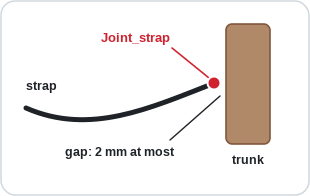
A declared joint that is open or buried.
Here: a strap not round the trunk.
- No output, no hand-back
- Fix the cause of every row
- Never scale, hide or bury to pass
- An open joint is a blocker
- Clean numbers never mean it looks right
Next to PropGate, a z-fighting scan runs after every placement batch. Z-fighting is the flicker where two surfaces share one plane.
Placement gate
Placement gate · dressing-reviewer
Placed right, and attached. Style and build are scored apart.
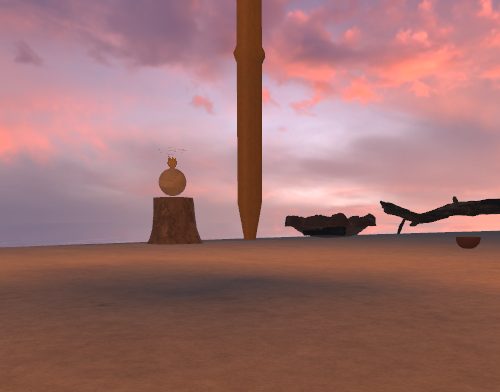
A real verdict
NEEDS WORK
Style 6/10 · Build 5/10
Review of the main island of Crescent Lagoon, round 1. Its findings became the next task list.
dressing-reviewer gives two scores. Style is the match with the picked look. Build is geometry, placement and finish.
Both must reach 8 for SHIP IT.
Declared joints
A model's data file lists what it attaches to. One check measures every such joint in the scene.
Judged in 3D, from eye height
- contact
- facing
- joints
- scale in context
- spacing and door zones
- colliders
- match with the style boards
Never judged here: model quality, what runs, materials, lighting. Those belong to the other gates.
Runtime gate
Runtime gate · playtest-reviewer
It walks the world, running. What it cannot see goes on your list.
Play mode runs the world inside the Unity editor, with a test player.
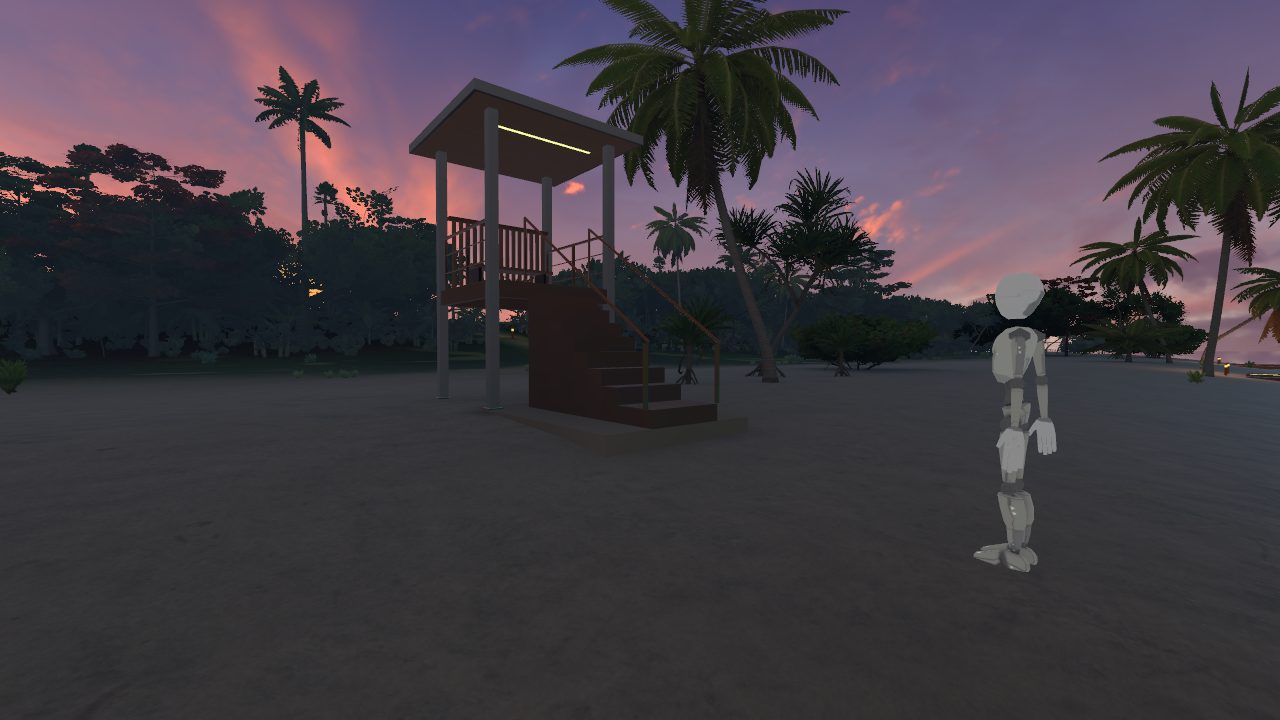
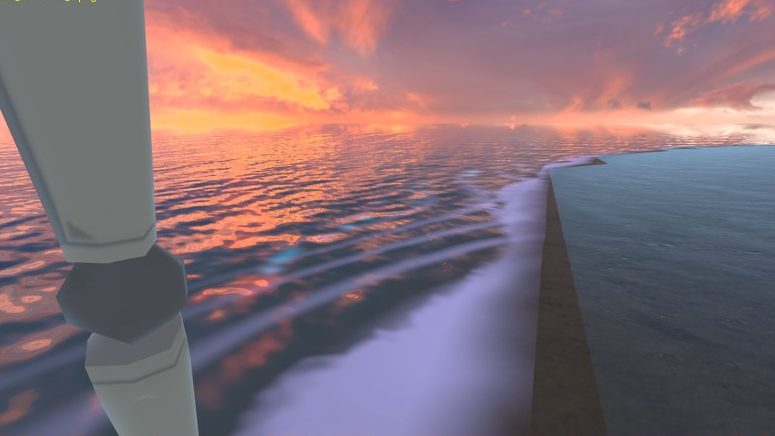
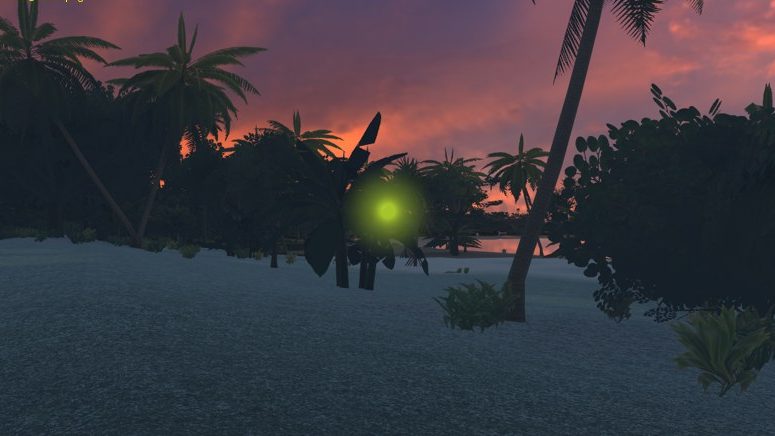
Every one checked
- console
- spawn
- jump
- edges and respawn
- water
- routes and stairs
- teleports
- toggles
- saved options
- lie-down colliders
- pickups
- particles
- movers
- sound
- video
- underwater
Every teleport, toggle, pickup and effect is tested, not a sample. Builder logs are not evidence.
What the editor cannot show
The editor has one player, no hands and no headset. Whatever the reviewer cannot judge becomes a line on your Build and Test list.
| Group on the list | Why you test it |
|---|---|
| A. Looks different in the real client | a build removes or changes things the editor keeps |
| B. Hands and headset | the test player has no hands, no headset and no real avatar |
| C. Video and sound | video does not play in the editor, loudness cannot be judged there |
| D. Other players | the editor has one player |
| E. Late joiners and return visits | needs a second client that rejoins |
Each line says what to do and what to look for. You mark it pass, fail or skip.
flowchart LR
  blind["Cannot judge<br/>in the editor"] --> list["Your Build and Test list"]:::runtime
  list -- pass --> ok(["Ready for your upload"]):::user
  list -- fail --> finding["A findings case<br/>blocks the upload"]:::bad
  finding -. fixed and passed again .-> list
  classDef runtime stroke:#7a4fd6,stroke-width:2px
  classDef user stroke:#1a7f37,stroke-width:2px
  classDef bad stroke:#cf222e,stroke-width:2px
The gate runs twice: after the interactions pass, and again as the upload gate on the exact state to upload.
Surface gate
Surface gate · material-reviewer
Every surface, in the scene's own light. Twice.
flowchart LR
  p["Placement gate<br/>SHIP IT"]:::placement --> m1["<b>M1</b><br/>before the bake"]:::surface --> bake["Bake +<br/>reflection probes"] --> m2["<b>M2</b><br/>after the bake"]:::surface --> f["Final gate"]:::final
  m2 -. "a late material fix:<br/>bake, probes and M2 again" .-> bake
  classDef placement stroke:#d9730d,stroke-width:2px
  classDef surface stroke:#d02d7c,stroke-width:2px
classDef final stroke:#1f6feb,stroke-width:2px| Round | Catches |
|---|---|
| M1, before the bake | wrong shader, glowing props, low texel density, mirrored images. Cheap to fix before a bake. |
| M2, after the bake and the probes | rim highlights, glass, surfaces that read unlit, a mismatch between lightmapped and Light-Volume-lit objects |
A bake stores the lighting in textures. Reflection probes store what shiny surfaces reflect.
Six things it judges
- Light response
- Material identity
- Texture quality
- Shader and settings
- Consistency between lightmapped and Light-Volume-lit objects
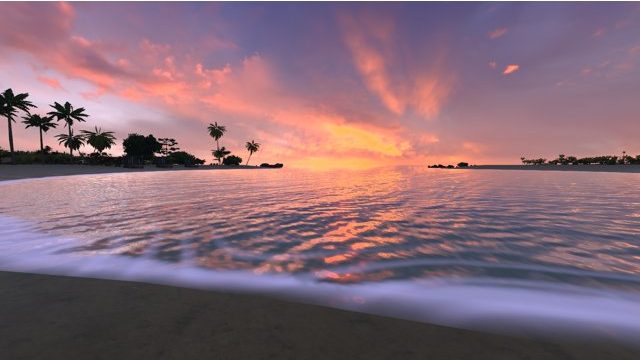
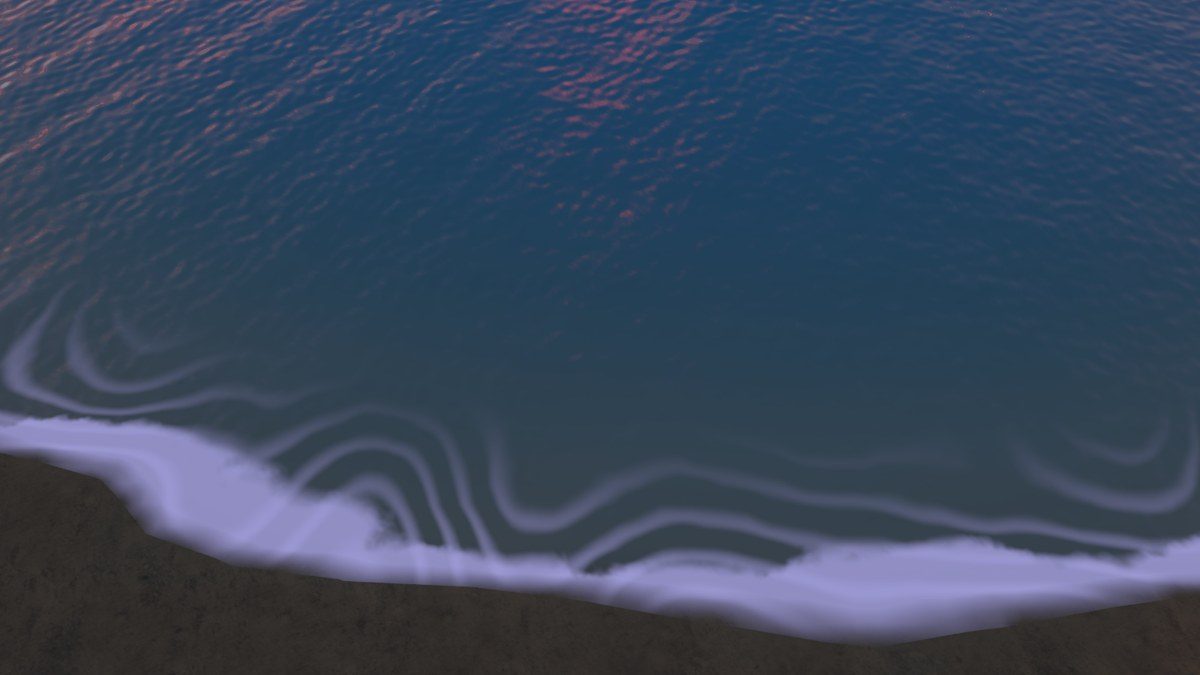
- Water and special surfaces
Never judged here: mood and bake quality, placement, a model alone.
Next: Lighting and performance.